
How to Add a PDF Flipbook to Shopify (Step-by-Step)
Turn any existing PDF into an interactive flipbook and embed it on your Shopify store. This step-by-step tutorial covers setup, customization, theme integration, best practices, and quick fixes.

8 min read
On this page
- Start with the problem: downloadable PDFs vs. an embedded flipbook
- Why Shopify merchants prefer flipbooks for catalogs, menus, brochures, and lookbooks
- Three ways to show PDFs on Shopify: link, viewer, or interactive flipbook
- pdf flipbook shopify: step-by-step guide using Neo Flipbook
- Best practices for preparing PDFs and quick troubleshooting FAQs
- Conclusion: a smoother way to browse catalogs on Shopify
Start with the problem: downloadable PDFs vs. an embedded flipbook
A shopper taps "Download Catalog," waits while a 40‑page file opens in another tab, then pinches to zoom on tiny text. Pages load slowly and jump. Many leave before page three. A pdf flipbook shopify approach fixes this. The catalog lives inside the store, with smooth page turns and clear controls that invite quick browsing.
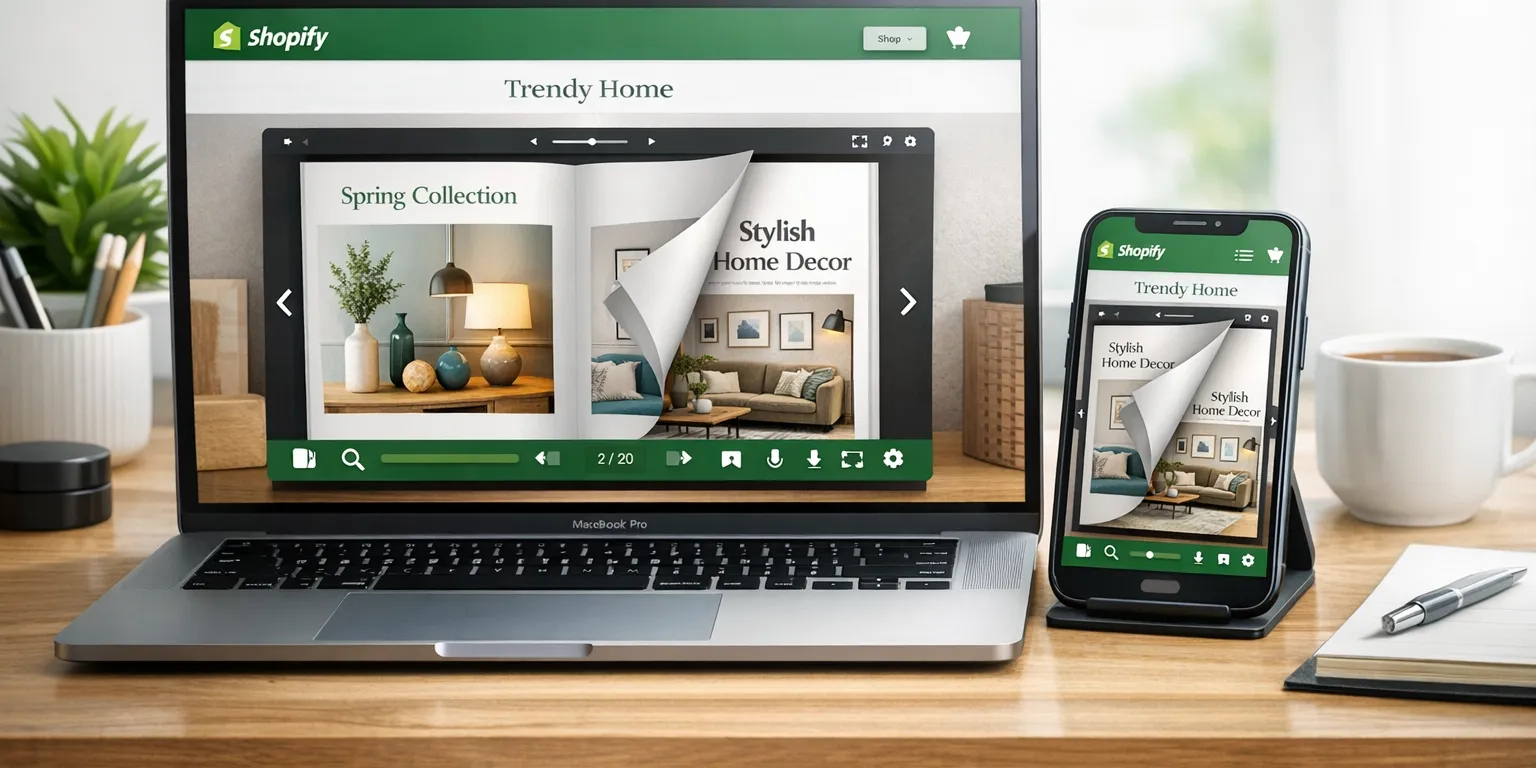
A PDF flipbook is a viewer that presents the original PDF as interactive pages with page-turn animation, thumbnails, and a compact toolbar. It does not alter the file; it renders each page, adds navigation, and keeps shoppers near the "Add to cart" moment. Readers can tap arrows, use thumbnails, or jump to a page. On mobile, the viewer scales text and images for readability, reducing constant zooming. For storage basics, see Shopify's guidance on files in the admin at Shopify Help Center.
Compared with a static download, an embedded flipbook encourages discovery. People skim spreads like a magazine, pause on photography, then jump to specs. Because the viewer sits on the storefront, session flow stays intact and time on page often improves. Teams maintain brand control by matching viewer colors and toolbar style to the theme. For setup, see .
- Downloadable PDF: opens in a new tab or app, hard to read on phones, limited navigation, weak engagement signals.
- Basic PDF viewer: embeds the file but feels document‑first, with clunky zoom and minimal polish.
- Interactive flipbook: keeps shoppers on the site, adds page turns, thumbnails, and a clean UI for faster scanning.
- Content integrity: the flipbook preserves the original PDF and presents it through a viewer with controls.
For many stores, pairing an embedded viewer with an optional download link offers the best balance. That choice is central to a practical pdf flipbook shopify setup.
Why Shopify merchants prefer flipbooks for catalogs, menus, brochures, and lookbooks
Merchants choose a pdf flipbook Shopify setup because it turns static PDFs into a tap‑and‑browse experience. Shoppers flip pages without leaving the store, avoiding the pause and friction of a large file opening in a new tab. For seasonal catalogs, lookbooks, wholesale line sheets, restaurant menus, and brand brochures, this keeps attention on products and shortens the path to buy.
Mobile readability is the first win. A flipbook viewer manages zoom, page turns, and thumbnails in one place, so a shopper can skim spreads and read details without fighting the interface. Merchants also keep brand consistency by matching viewer colors and toolbar styling to their theme, which avoids the raw-PDF look. That cohesion protects perceived quality and trust during campaigns.
Momentum is another benefit. Forcing a download interrupts the journey and can push visitors off-site. An embedded viewer keeps them on the page, whether the flipbook sits inline or opens in a lightbox from a button or thumbnail. This is effective for fashion lookbooks tied to variants, wholesale sheets with pricing notes, or menus that update often. For accessibility, use clear section headings in the source PDF, larger body text, and alt text around the viewer. See WCAG at w3.org.
Placement shapes results. Common spots include product pages for in‑context browsing, a dedicated Catalog page for returning customers, or a campaign landing page linked from ads. Track impact with simple KPIs: lower exits on product pages, higher clicks to nearby product links, and longer time on page during launches. When ready, see How to Create a Shopify Product Catalog (No PDF Needed) for embed and lightbox options that fit Online Store 2.0 themes.
Three ways to show PDFs on Shopify: link, viewer, or interactive flipbook
There are three practical ways to present a PDF on a Shopify page. A download link is quick. A basic viewer keeps shoppers on-page. An interactive flipbook creates a polished reading space. For brands comparing options or searching "pdf flipbook shopify," the trade‑offs below help choose the right fit without guesswork.
A download link is the lightest lift and easy to track. The trade‑off is context: the tap opens a separate tab or app, which interrupts the journey and feels clumsy on phones. A basic PDF viewer embeds the file with vertical scrolling. It suits price lists and technical sheets, though branding is limited and navigation can feel tight on narrow columns.
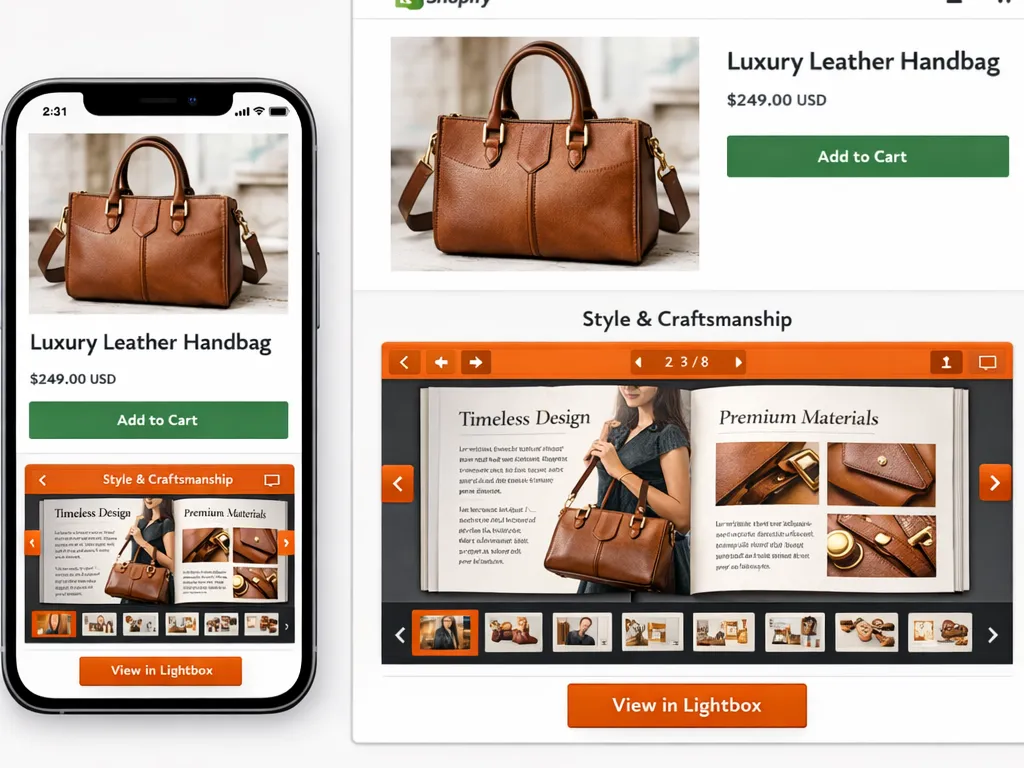
An interactive flipbook places the PDF in a branded viewer with page turns, zoom, and a clean toolbar. It reads like a catalog and is easier to skim by spread. Neo Flipbook adds this to Online Store 2.0 themes through an app block; older themes may not support app blocks. For theme app blocks, see Shopify's app block guide. For setup steps, see How to Create a Shopify Product Catalog (No PDF Needed).
| Option | What it is | Best fit |
|---|---|---|
| Download link | Opens the PDF in a new tab or native viewer. Fast to add; branding fixed by the file. | Quick sharing, simple price sheets, or when shoppers expect a file. |
| Basic PDF viewer | Embeds a scrolling PDF on the page. Limited branding; mobile is workable but tight. | Manuals, size guides, short docs needing on‑page context. |
| Interactive flipbook | Branded viewer with page turns, color theme, and toolbar; smooth mobile reading. | Catalogs, menus, brochures, lookbooks where presentation matters. |
As a rule of thumb, if the document is transactional, link or viewer works. If it sells the story, use a flipbook. Brands wanting "pdf flipbook shopify" polish can place the flipbook inline on a landing page or open it from a thumbnail in a lightbox for a tidy layout with editorial browsing.
pdf flipbook shopify: step-by-step guide using Neo Flipbook
This walkthrough shows how to turn a PDF into a live viewer and embed it on a store. It uses the Neo Flipbook app for a fast pdf flipbook shopify setup with Online Store 2.0 themes. The flow covers install, upload, customization, preview, and placement. Remember the 100 MB PDF upload limit and that the Free plan shows the first 25 pages.
1) Install and open Neo Flipbook. 2) On Create, choose PDF flipbook. 3) Add a file: upload a PDF (up to 100 MB), pick one from Shopify Files, or paste a direct PDF URL. If the original catalog later changes, create a new flipbook rather than swapping the source. For app blocks and sections, see Shopify app blocks.
4) Customize the viewer: set title, page‑turn animation, colors, toolbar layout, and start page. Use brand hex codes so toolbar and background match store styles. 5) Use live preview to confirm text size and contrast on desktop and mobile. If small body text looks cramped, raise the default zoom or switch to two‑page spreads only on wide screens. How to Create a Shopify Product Catalog (No PDF Needed)
6) Create the flipbook. 7) In the Shopify Theme editor, add the Neo Flipbook app block to a supported Online Store 2.0 template. Place it in the main content area of products, collections, or a dedicated Catalog page. 8) Choose appearance: display inline, open in a lightbox from a button or thumbnail, or share its public URL for email and social. How to Create a Shopify Product Catalog (No PDF Needed)
Best practices for preparing PDFs and quick troubleshooting FAQs
A clean source file saves time. For a pdf flipbook shopify setup, keep body text at 12–14 pt, use vector text (not flattened images), and ensure strong contrast. Export a standard, unprotected PDF. For images, aim for 150–200 dpi at final display size and compress aggressively; busy backgrounds add weight without clarity. Keep the final PDF under 100 MB to meet Neo Flipbook limits . If the catalog feels heavy, split it into seasonal volumes.
Design for phones first. Single‑column layouts beat dense tables on small screens. Use generous spacing and larger tap targets for links, and avoid tiny footnotes. Leave margins so the page‑turn edge never covers prices, variant names, or CTAs. If a page relies on a complex chart, include a simplified version for the flipbook and offer a separate CSV for detail.
Before publishing, test on multiple devices and networks. Name the flipbook in plain language shoppers recognize (for example, "Spring 2026 Lookbook"), and match viewer colors to brand guidelines. If compression is unclear, Adobe's guide is helpful: Optimize PDF (Adobe). As a final check, preview the cover, first spread, and promo pages at 100% zoom to catch blur or kerning issues.
- My flipbook is not showing on the store: Add the Neo Flipbook app block to a supported Online Store 2.0 theme and confirm the flipbook is published .
- Only the first 25 pages are visible: This is the Free plan limit. Upgrade if full-length viewing is needed .
- Upload fails or is slow: Keep the PDF under 100 MB. Compress images or host the file and use a direct link instead .
- Can I replace the PDF without recreating?: When the source PDF changes, create a new flipbook for a clean update.
- Can I add hotspots or auto add-to-cart?: Not supported. Link to products from nearby page content or place buy links next to the viewer .
As a final pass, view the flipbook on a mid‑range phone over cellular data. If it loads quickly and text stays sharp without pinching, the pdf flipbook shopify experience is ready for shoppers.
Conclusion: a smoother way to browse catalogs on Shopify
An embedded flipbook keeps shoppers in the moment. Instead of bouncing to a slow download, a pdf flipbook shopify setup lets them page through a catalog on the store with clear text, fast zoom, and simple navigation. That shift matters on phones, where static PDFs feel clumsy and easy to abandon.
The takeaway is direct: flipbooks present menus, brochures, lookbooks, and wholesale catalogs with consistent branding and readable layouts. They load inside the page, so buyers can scan covers, skim spreads, and jump to details without losing their place. This improves evaluation and reduces friction that kills interest.
Next steps: install Neo Flipbook, create a flipbook from your PDF, set the title, page‑turn style, colors, and toolbar, then preview on desktop and mobile. Add the Neo Flipbook app block to a supported Online Store 2.0 theme, or use a button or thumbnail that opens the flipbook in a lightbox. If a theme does not support app blocks, switch to an Online Store 2.0 theme per Shopify guidance at Shopify Help Center.
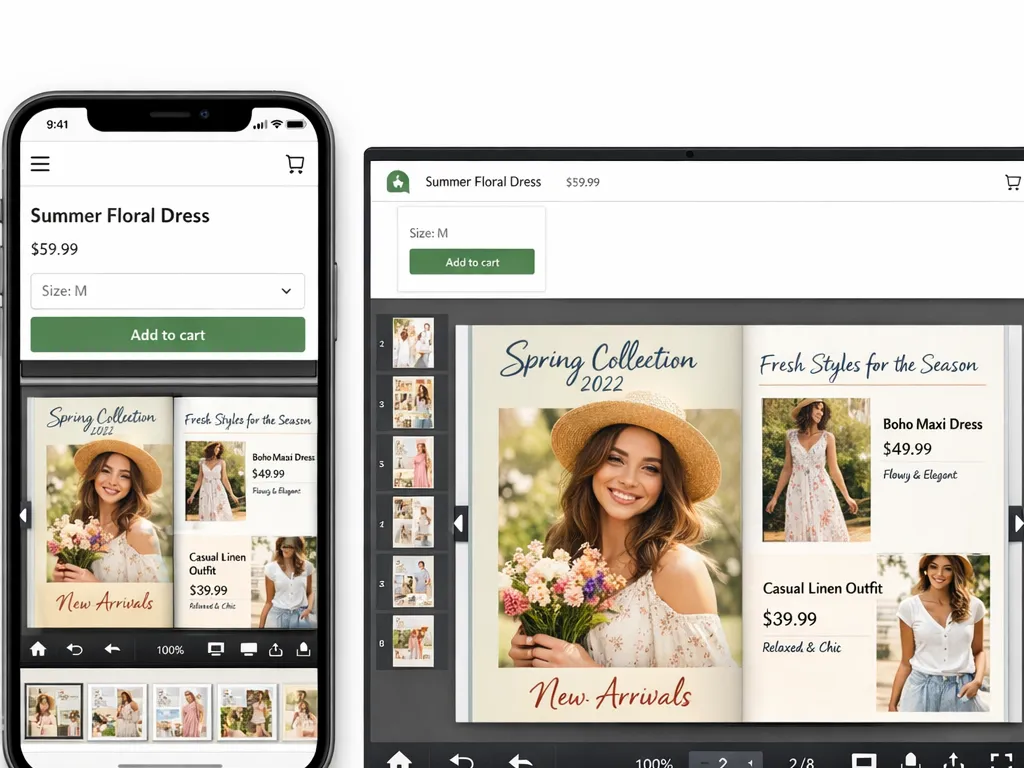
To drive traffic, link the flipbook from top navigation and relevant product pages. For seasonal drops, add a "View catalog" button that opens the lightbox. For wholesale or menu use, place the flipbook inline on a dedicated page and share its public URL with partners. If you need a refresher, start with .
Ready to try it? Create your first pdf flipbook shopify experience with Neo Flipbook at https://neoflipbook.com/ and explore the documentation for step‑by‑step details. A few minutes of setup replaces clunky downloads with a polished reading experience that respects the shopper's time.

Written by
Amir Hakim
Amir writes the Neo Flipbook guides on product catalogs, lookbooks and selling on Shopify.
