
Start from a PDF, images or your products
Upload a PDF up to 100 MB, turn JPG and PNG images into pages, or pick up to 250 products.
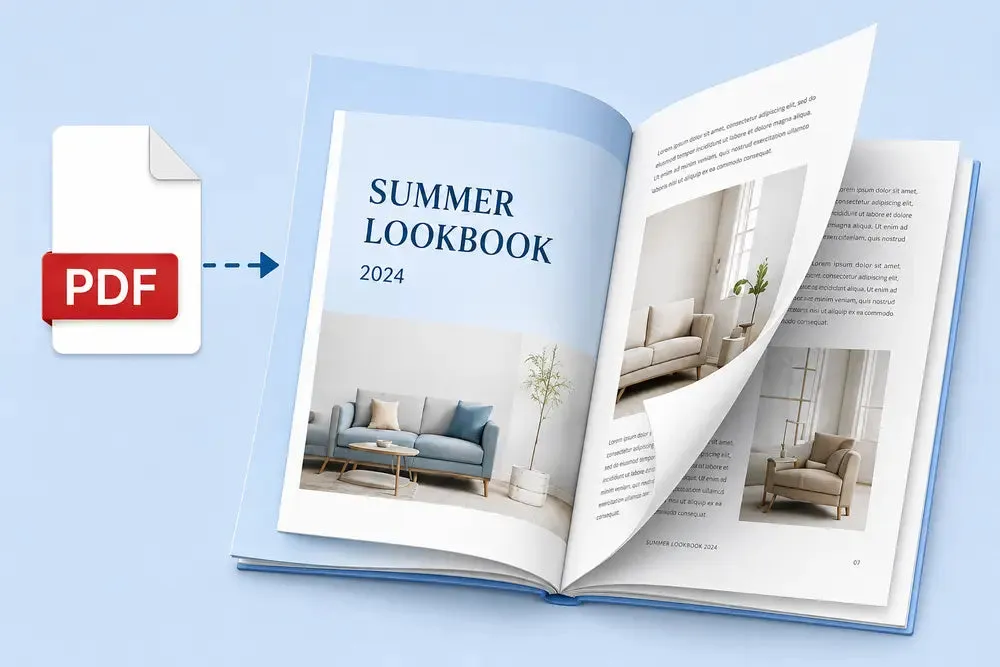 PDF flipbook
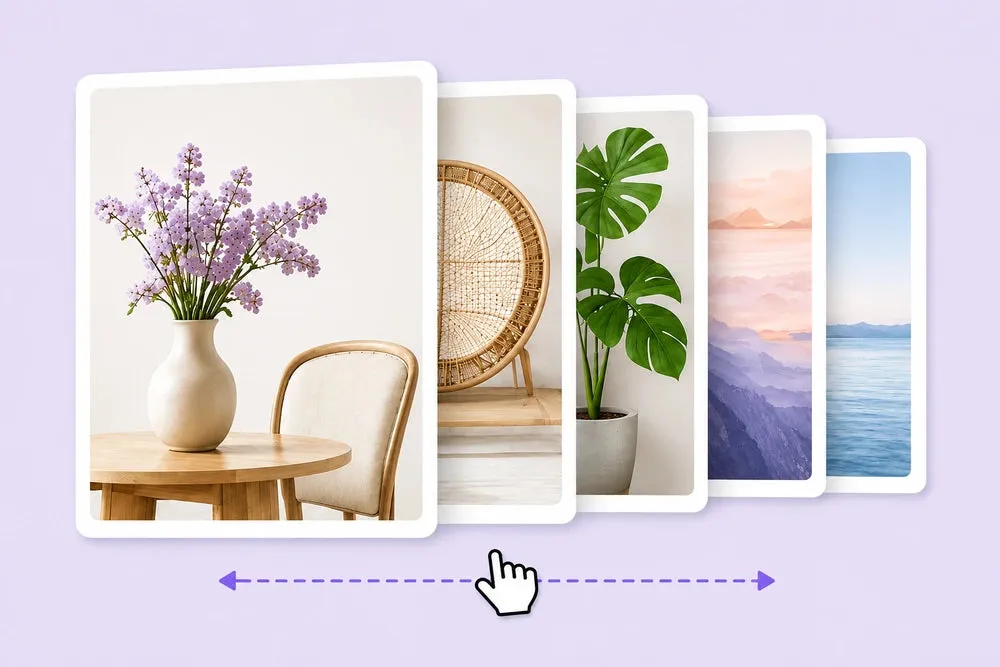 Image flipbook
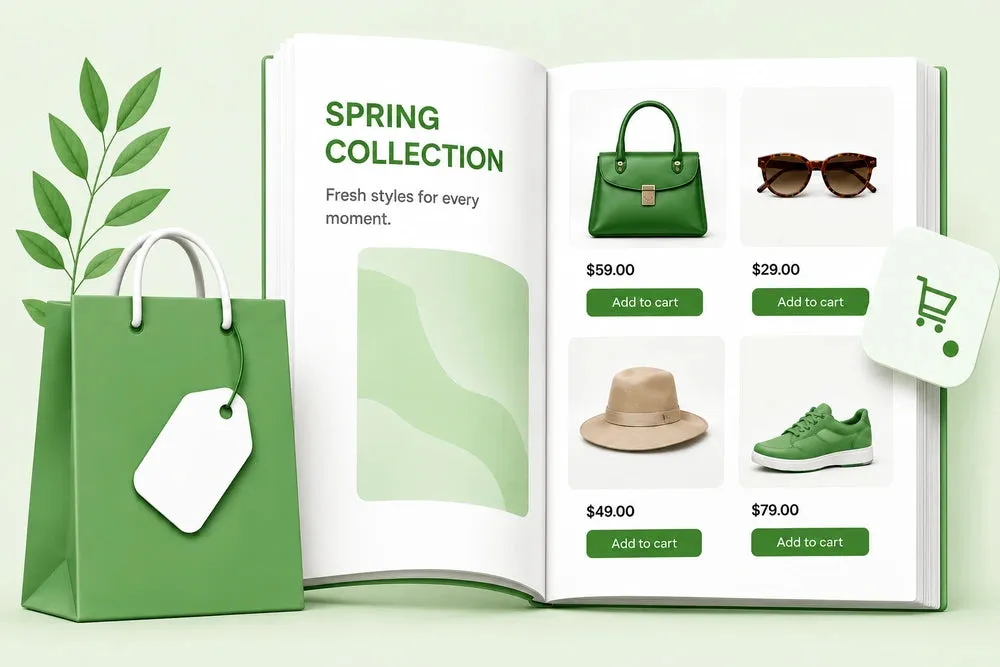 Product catalog
Upload a PDF, add images or build a catalog from your products. Free for your first 2 flipbooks, on any Shopify theme.
From upload to your product page, without touching theme code.
Upload a PDF up to 100 MB, turn JPG and PNG images into pages, or pick up to 250 products.
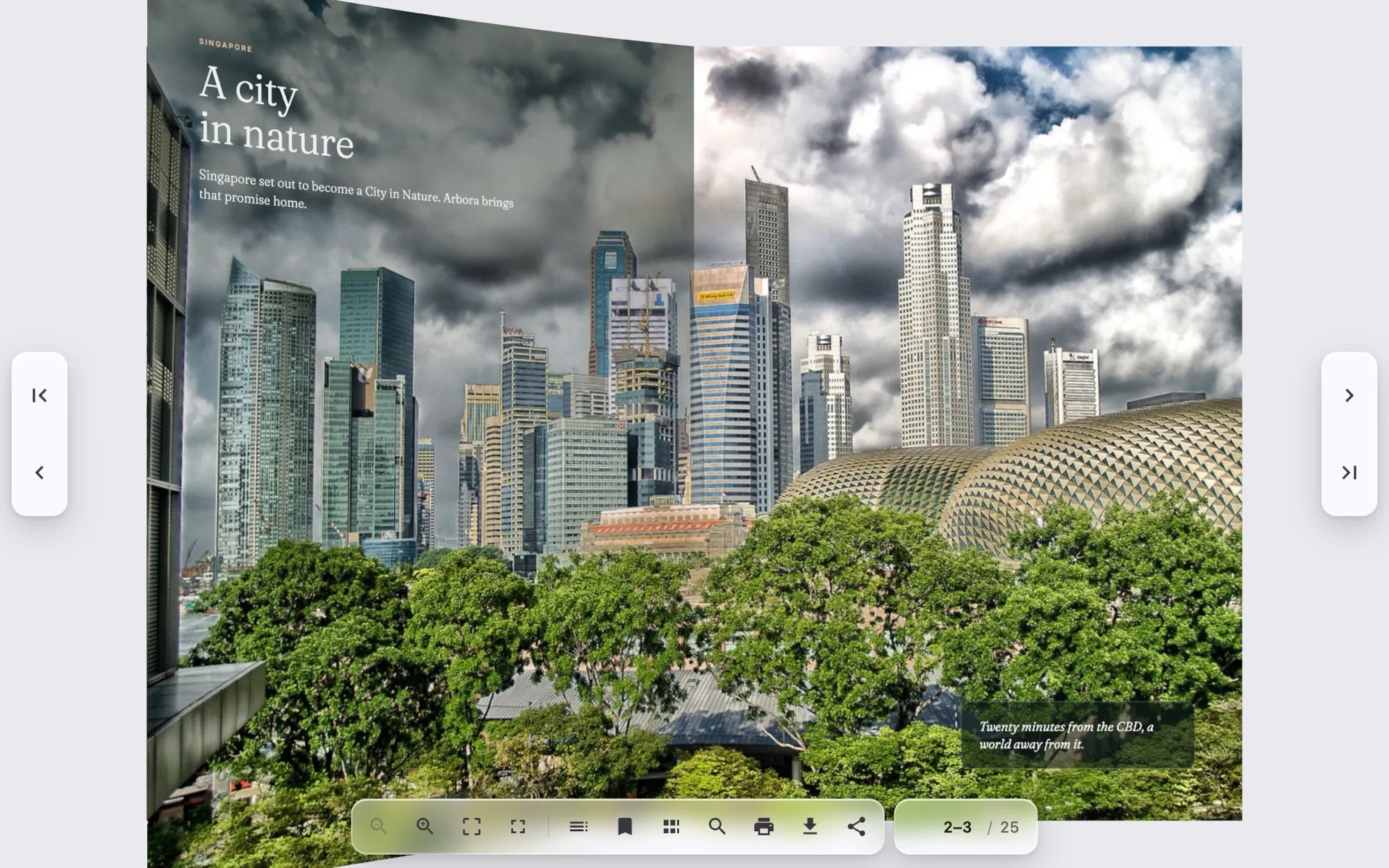
PDF flipbookImage flipbookProduct catalogA real page curl, 3D, 2D, scroll, swipe or none.
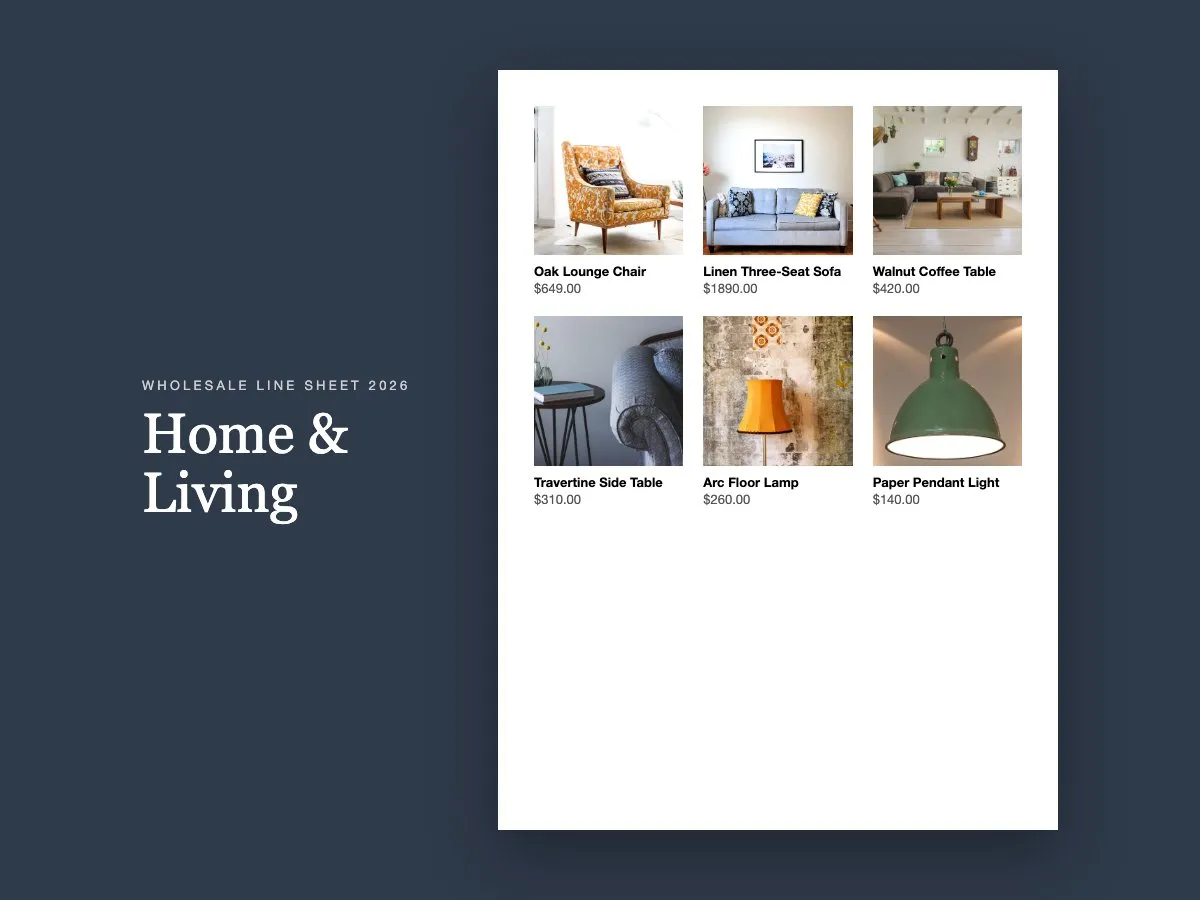
Pick products and get a line sheet or lookbook with photos, names and prices in your currency.

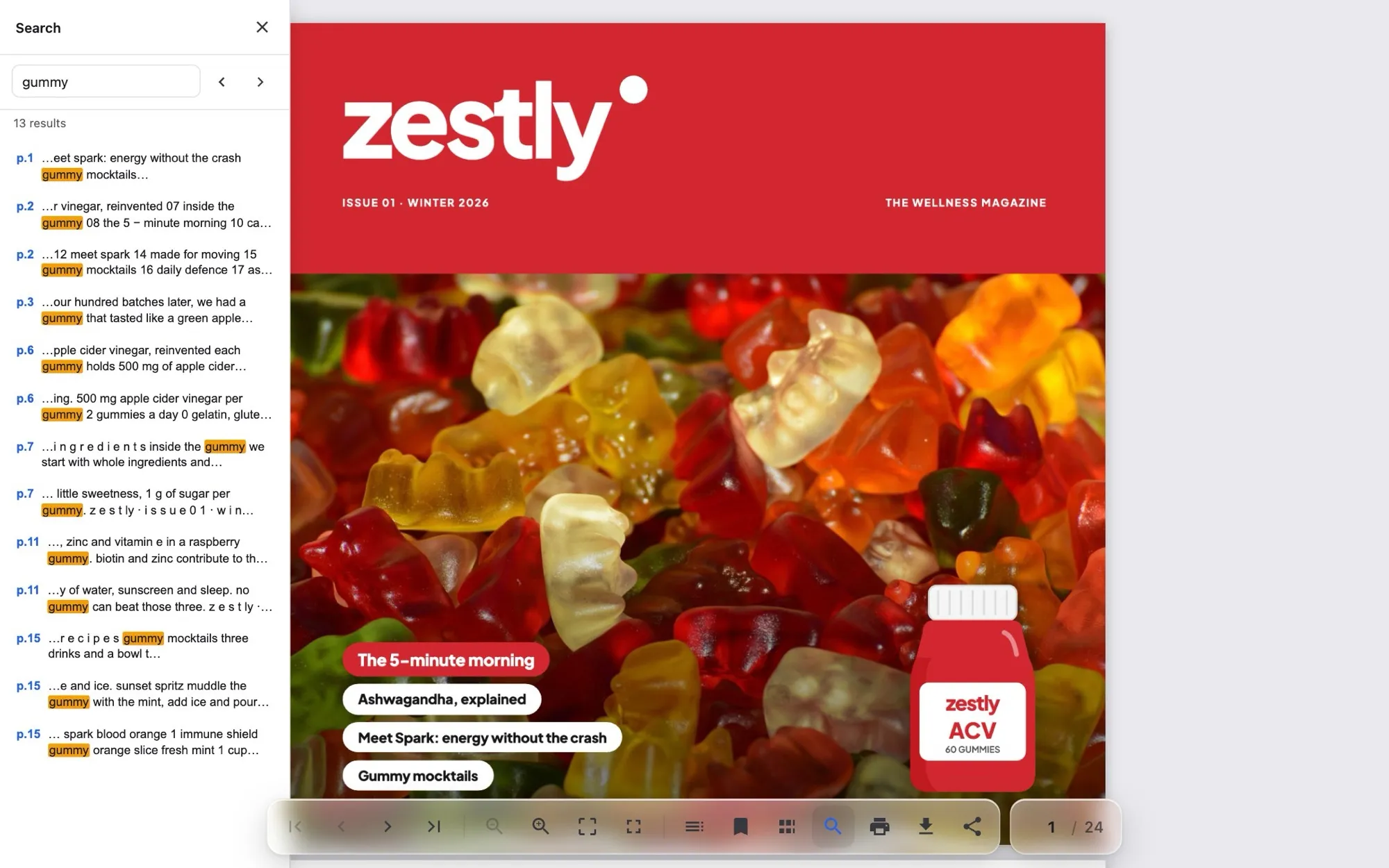
Search the text, jump with thumbnails or the outline, zoom, print, download and share. Switch each one on or off.
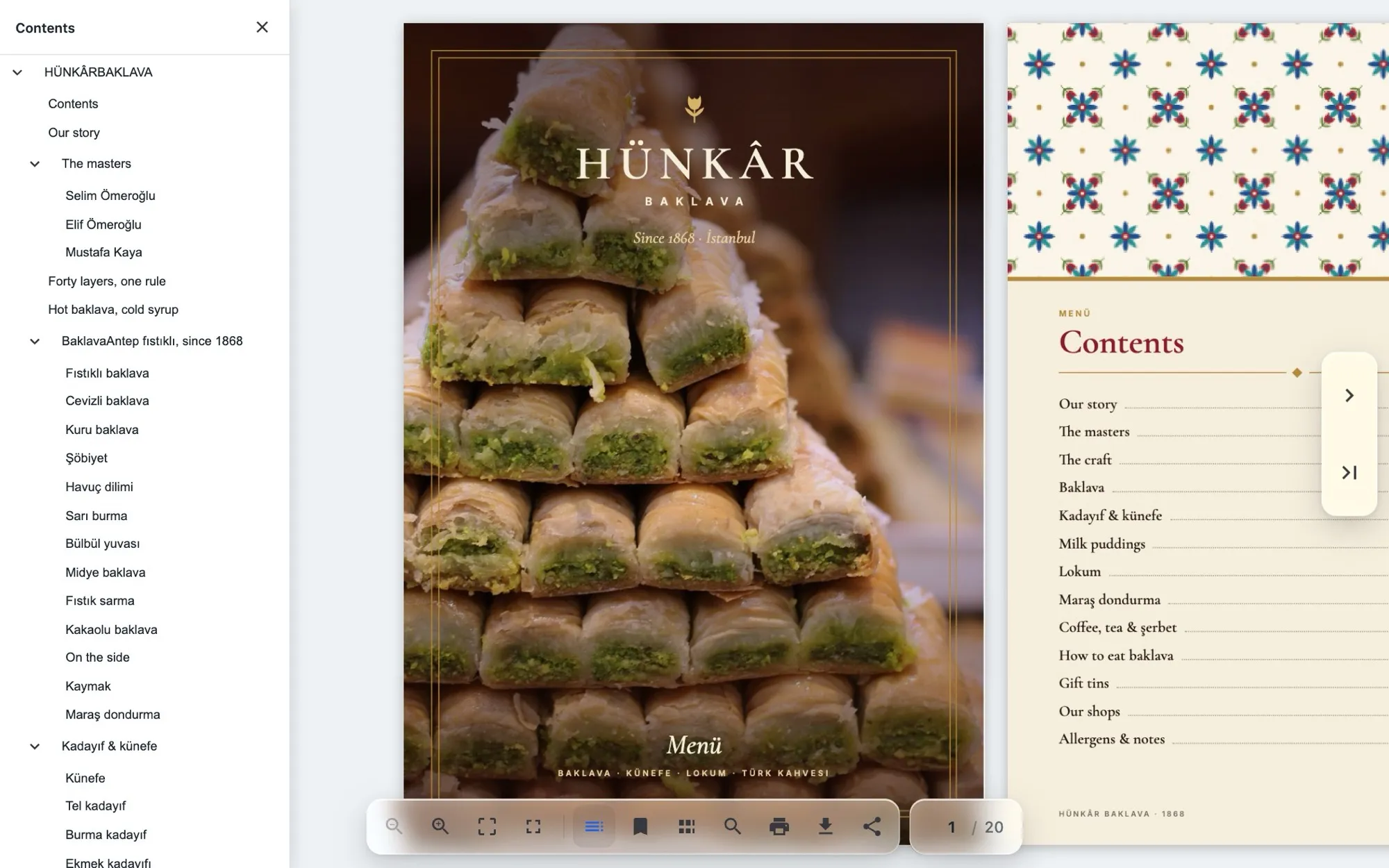
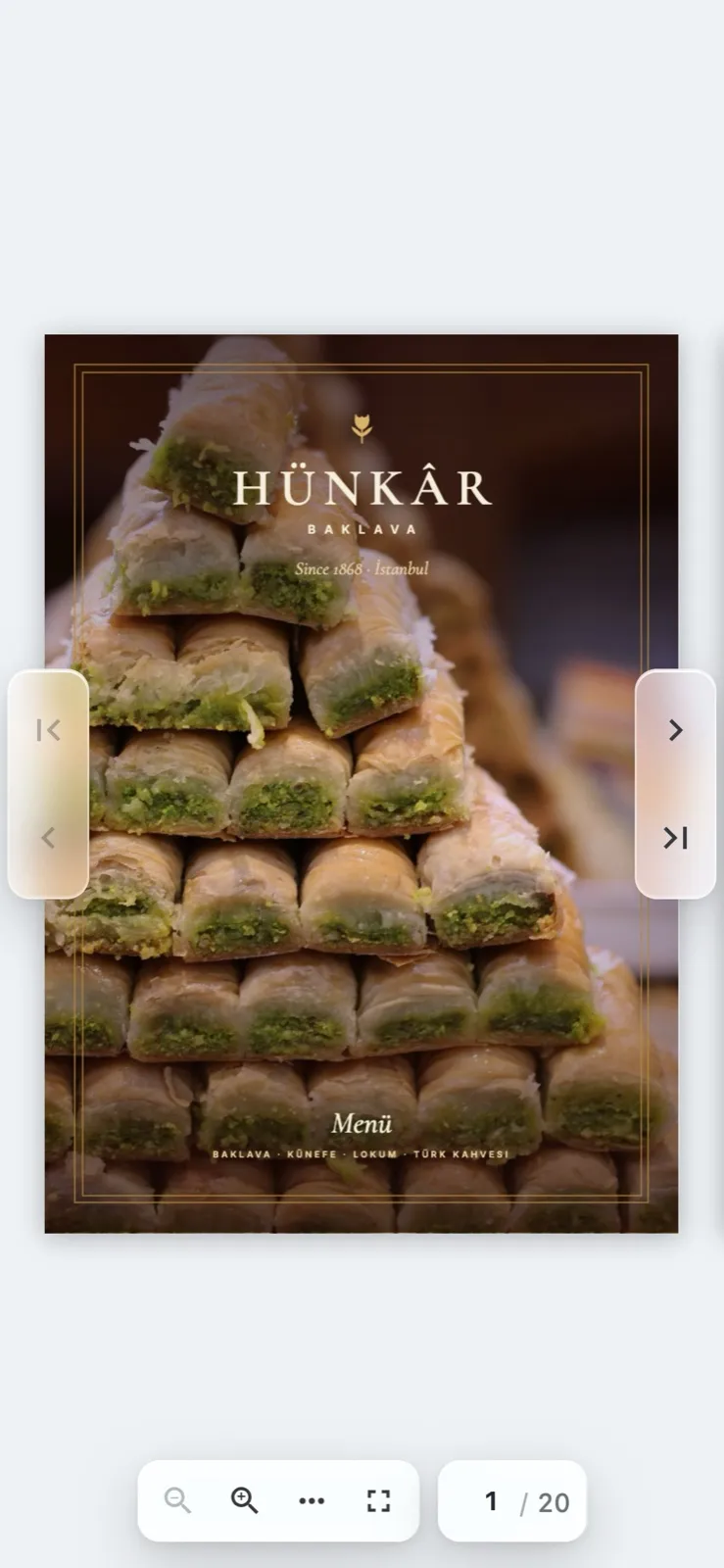
One page at a time, a compact toolbar and swipe to turn.
Light, dark or sepia, nine palettes, or your own colors.
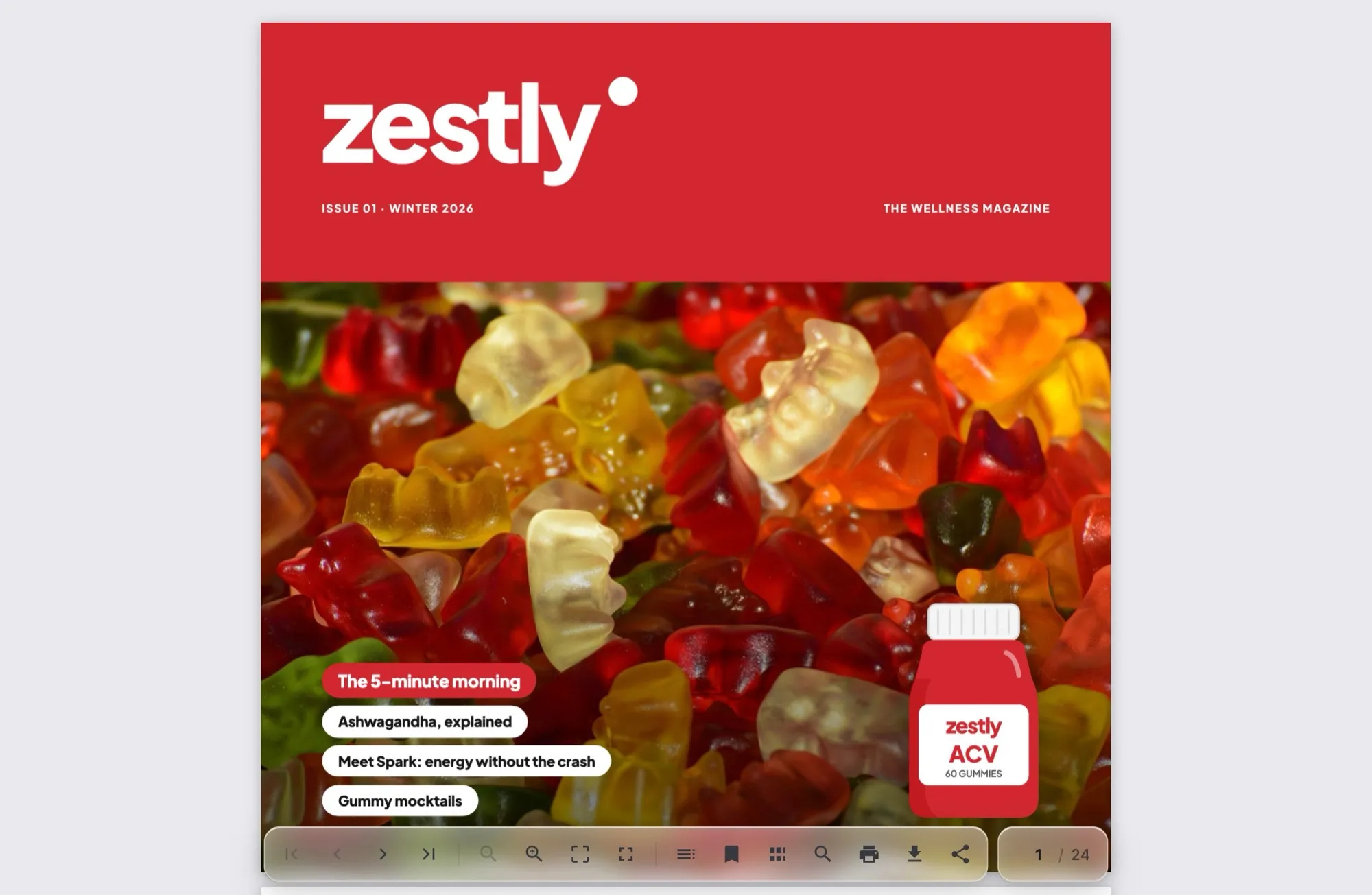 Light
Light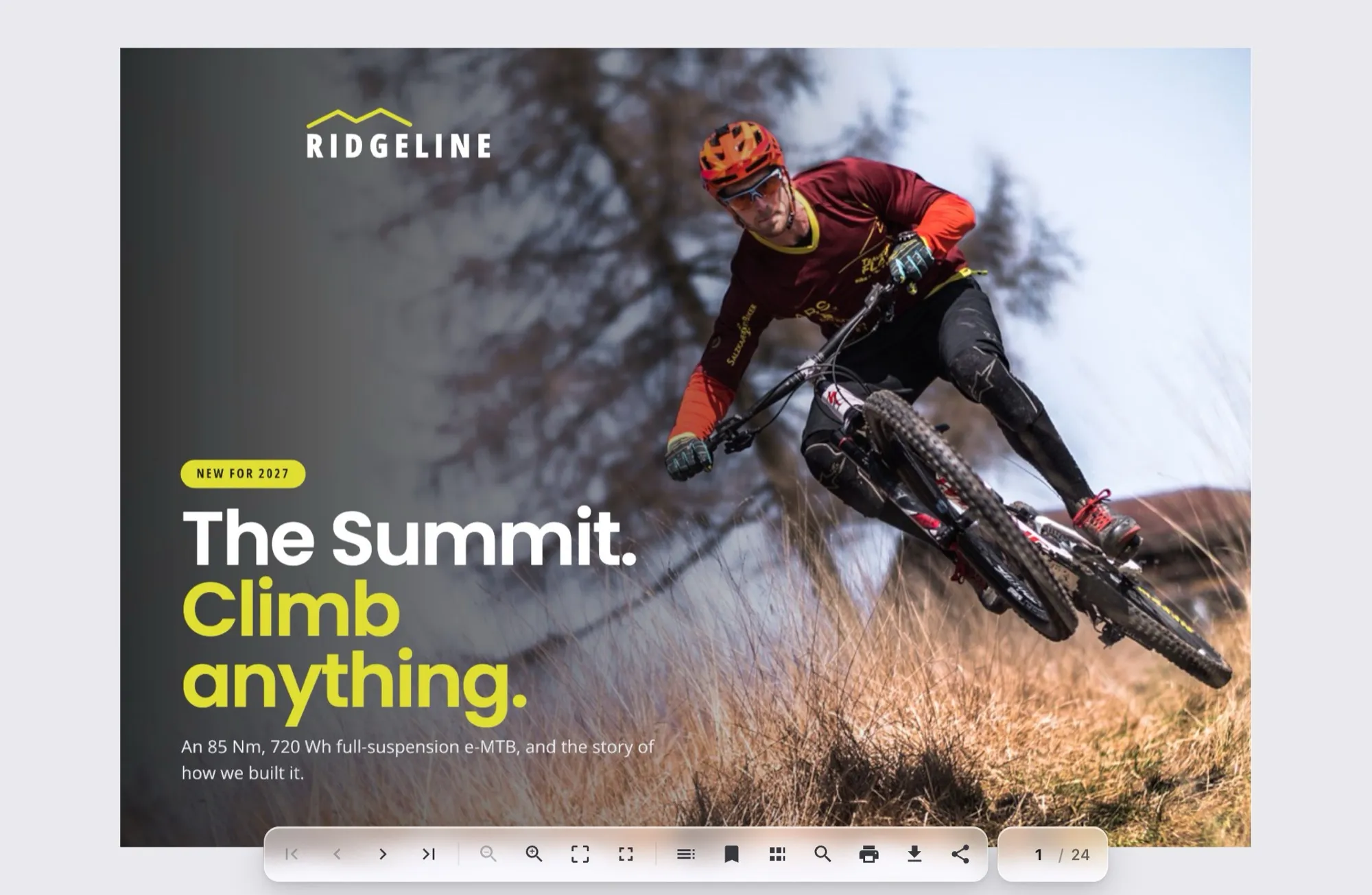 Dark
Dark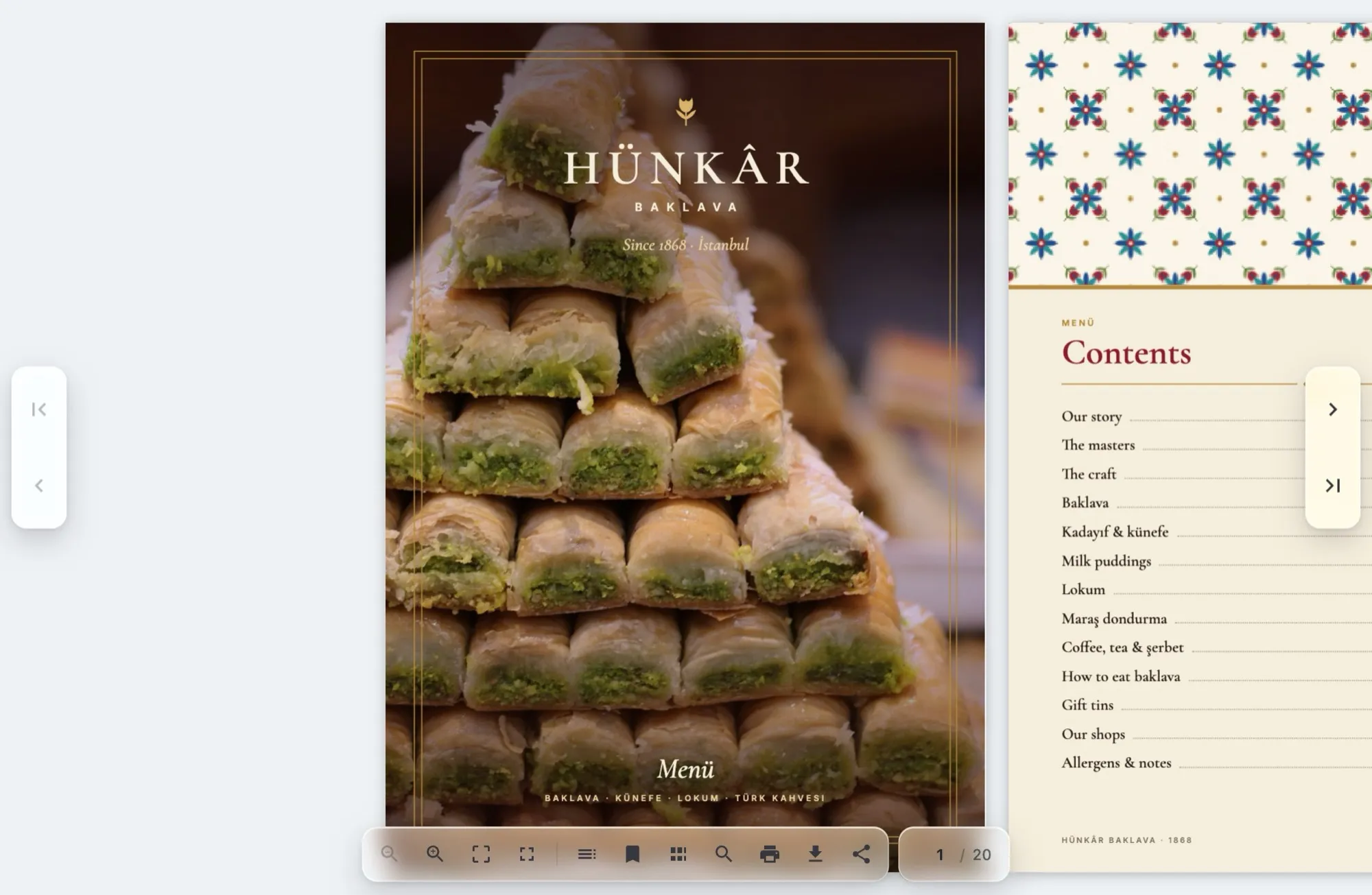 Sepia
SepiaAdd the Neo Flipbook block to product pages, collections or any page. A button or image card opens it full screen.
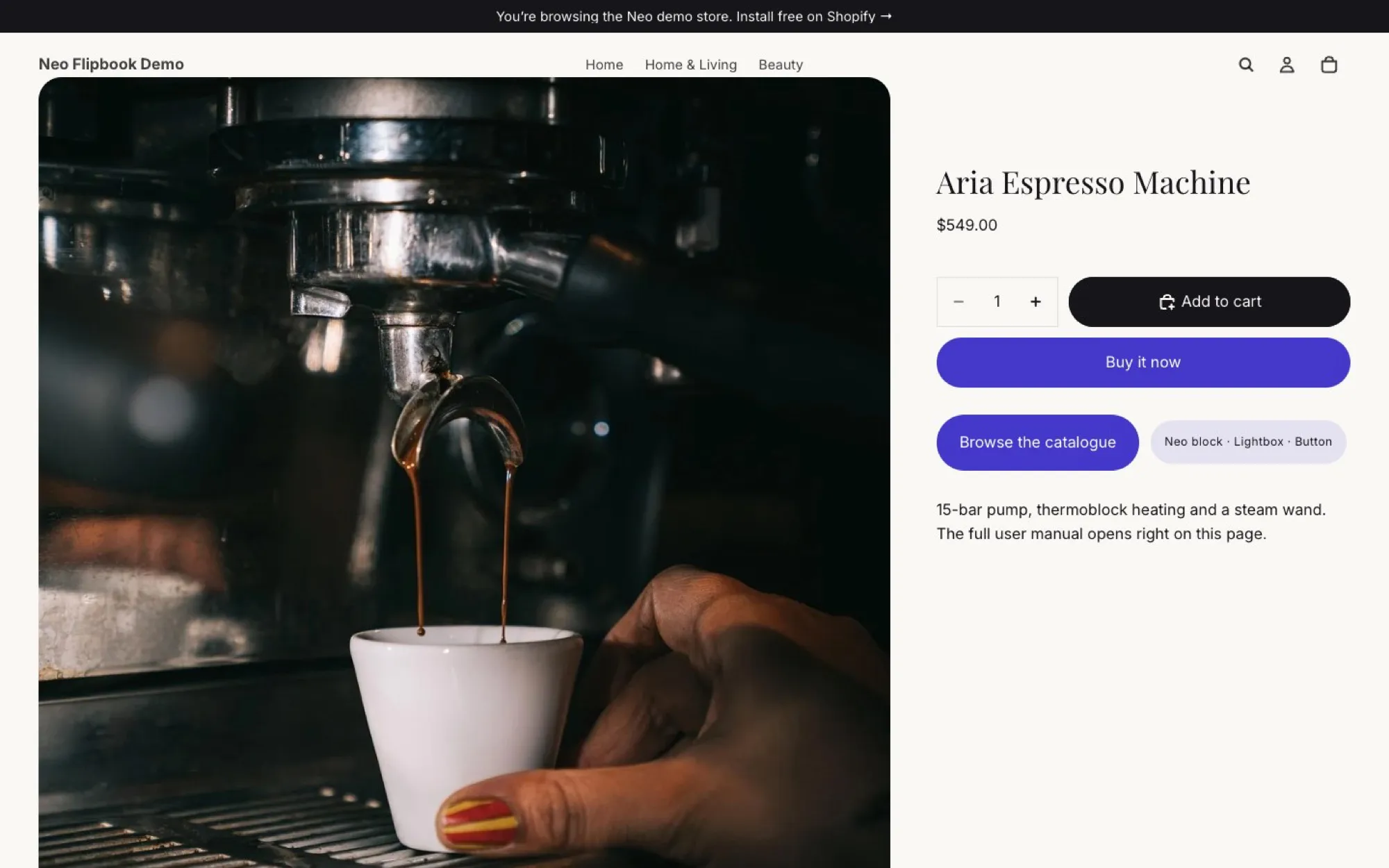
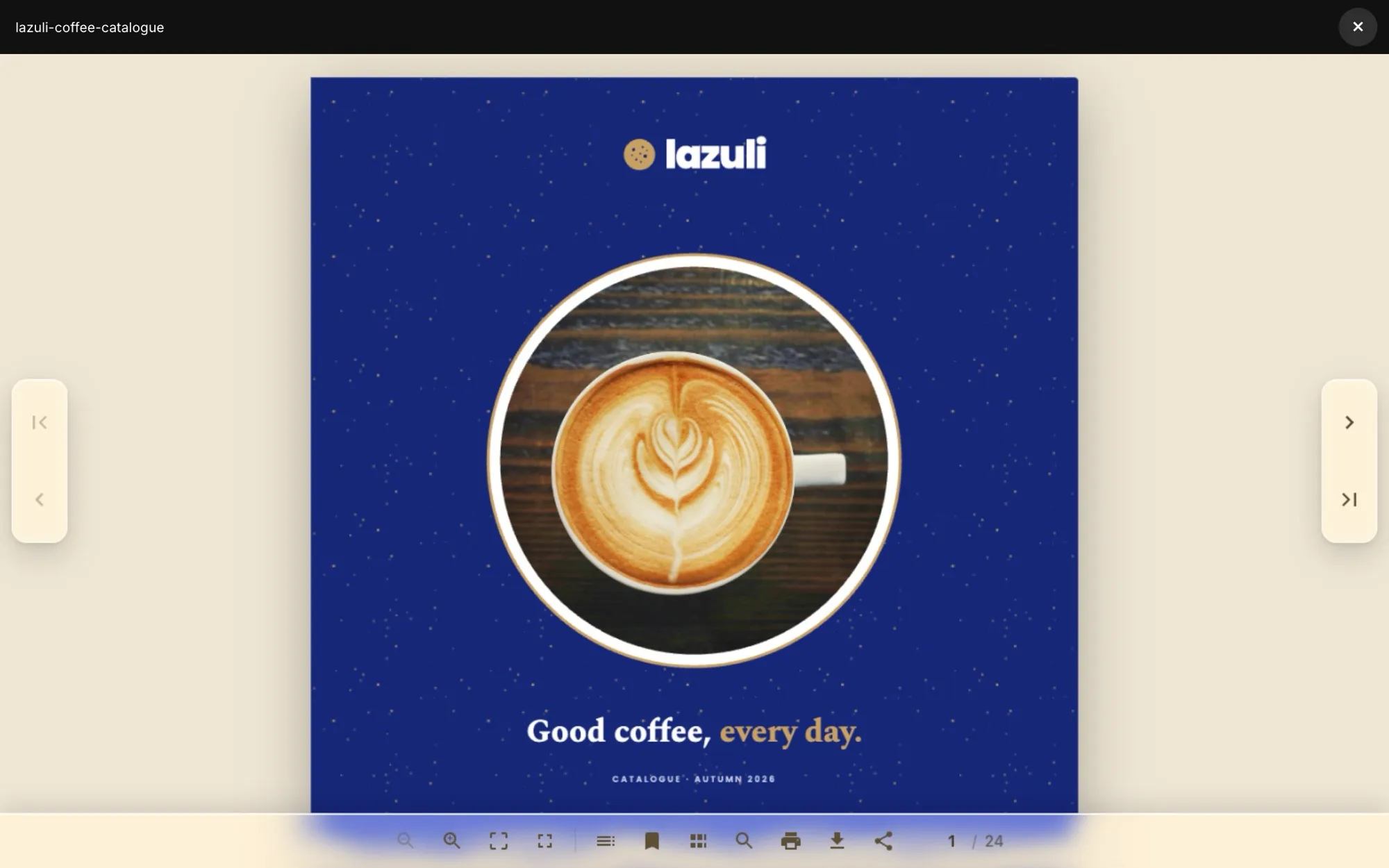
The live preview updates instantly, with a desktop and mobile view.
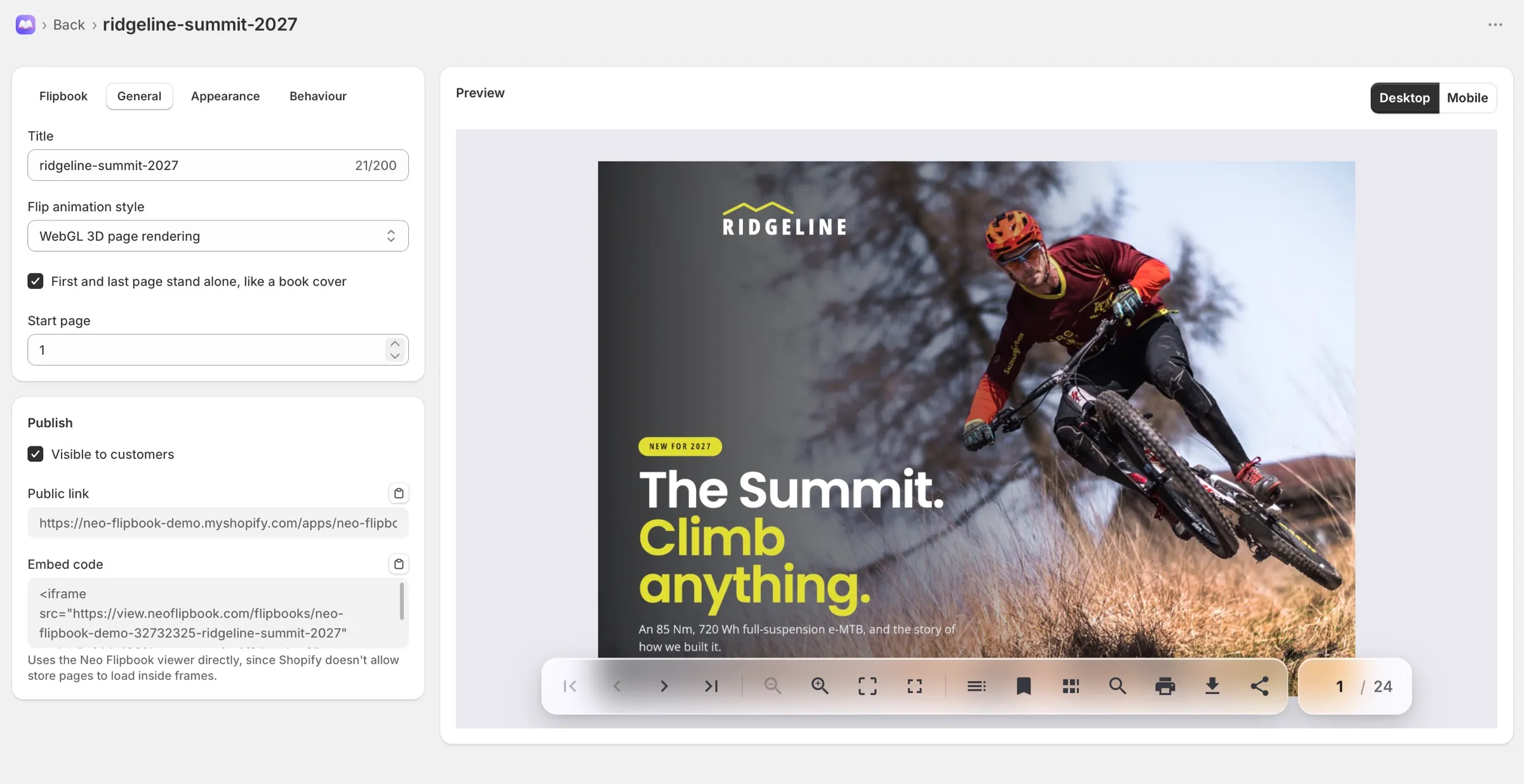
Every flipbook gets a full-page link on your store’s own domain and an embed code for any other site.
<iframe src="https://view.neoflipbook.com/flipbooks/ridgeline-summit-2027"
  style="width:100%;aspect-ratio:4/3;border:0"
allowfullscreen loading="lazy"></iframe>Every plan has every viewer tool and product catalogs. Plans differ in how many flipbooks you publish and how many pages shoppers see.
Try it, or run a small store.
$0forever
No card needed
For a growing set of catalogs.
$9.99/month
Billed monthly
For stores with a big library.
$29.99/month
Billed monthly
Prices in USD. Billed by Shopify on your Shopify invoice. Compare plans in the docs
Something else on your mind? Email support@neoflipbook.com and we usually reply within one business day.
Neo Flipbook is a Shopify app that turns a PDF, a set of images or your store’s products into an interactive, page-turning flipbook. Shoppers read it right on your store, on desktop or on their phone.
No. Pick collections or individual products, up to 250, and Neo Flipbook builds a line sheet or lookbook with photos, names and prices. Each product links to its product page, and a Refresh product data button pulls in your latest prices.
Anywhere your Shopify theme accepts an app block, including product pages. Show it inline or open it in a full-screen lightbox. Each flipbook also gets a full-page link on your store’s domain and an embed code for other sites.
Yes. On narrow screens the viewer shows one page at a time and the toolbar shrinks to the essentials. The scroll and swipe page styles are made for touch.
The Free plan includes 2 flipbooks, and shoppers see the first 25 pages of each PDF or image flipbook. Basic is $9.99 a month for 15 flipbooks and Pro is $29.99 a month for unlimited flipbooks, both with every page shown and a free trial. Product catalogs show every page on every plan.
Up to 100 MB. Files up to 20 MB can be stored in Shopify Files, and larger ones move to Neo Flipbook’s managed storage automatically.
Your flipbooks stop showing on your store straight away. Reinstall within 48 hours and everything comes back as you left it. After that, Shopify asks us to erase your shop’s data and we delete it.
The Free plan covers your first 2 flipbooks, so you can try Neo Flipbook on your own store before you pay anything.