
How to Create a Shopify Product Catalog (No PDF Needed)
Skip the static PDF. Learn how to build a polished Shopify product catalog from your store's products, customize a digital lookbook, and share it anywhere—fast.

9 min read
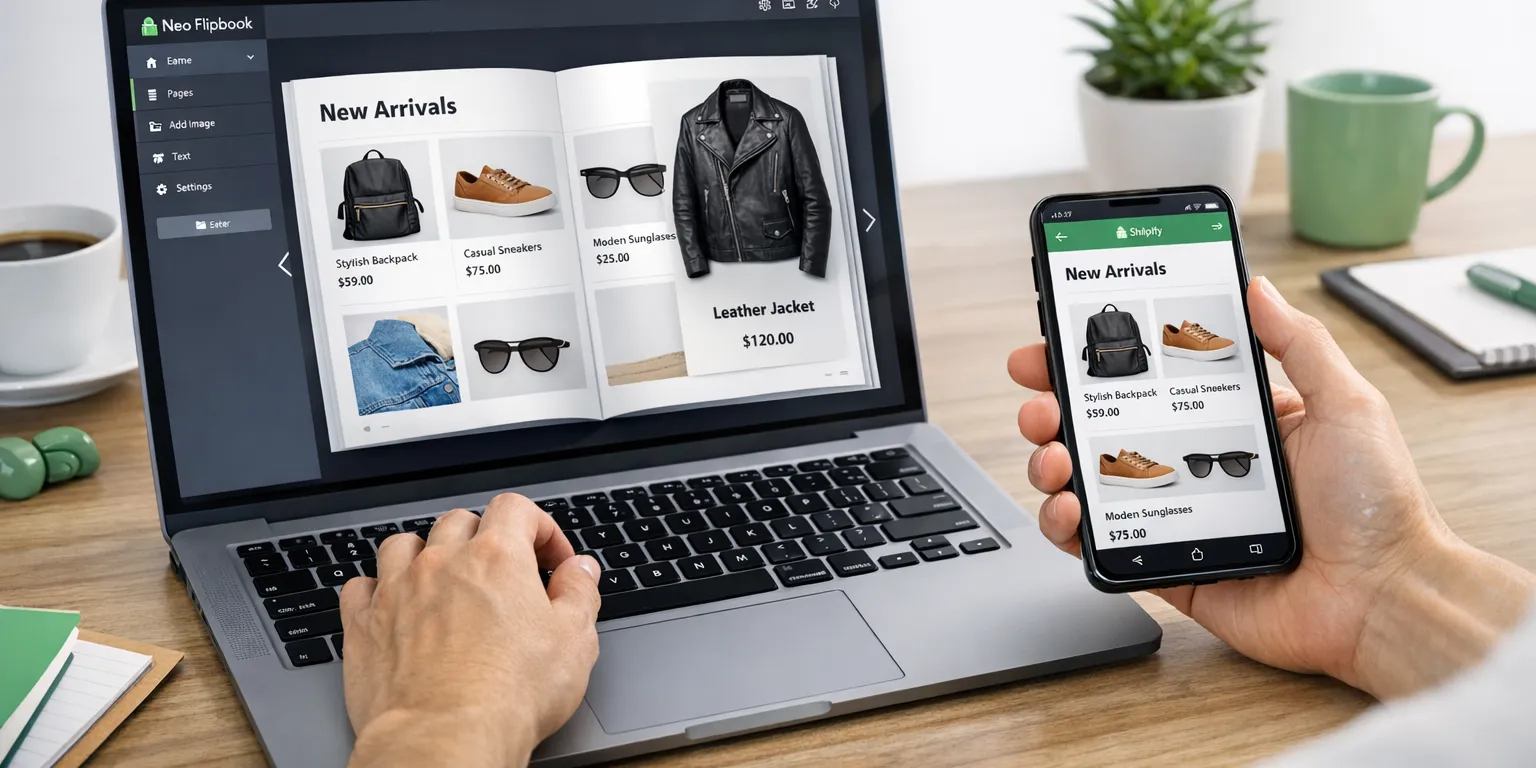
On this page
- The Problem With PDFs and Why a Shopify Product Catalog Wins
- What is a Shopify digital product catalog? Real-world use cases
- Three Ways to Build a Catalog: PDF, Flipbook From PDF, or From Products
- Step-by-Step: Create a Catalog From Shopify Products in Neo Flipbook
- Make products discoverable in your shopify product catalog: images, titles, descriptions, prices, and links
- Mobile-first viewing, easy sharing and embeds for your shopify product catalog, plus quick FAQs
- Conclusion: Publish a Shopify Product Catalog Without a PDF
The Problem With PDFs and Why a Shopify Product Catalog Wins
Picture a merchant nudging captions in InDesign at midnight, exporting another "final" PDF. By morning, a price changes or a variant sells out, and the file is already wrong. A shopify product catalog should move at the speed of the store: current, clickable, and shareable—never trapped in someone's inbox.
A great catalog is not just a wall of thumbnails. It curates a story—hero products first, related collections next, then specs that seal the decision. That guided flow helps buyers scan, compare, and click into details without guessing.
Basic collection grids list items but rarely explain why they belong together. A true catalog adds editorial structure and buying cues. Research shows that scannability, clear grouping, and consistent info reduce friction and abandonment (Baymard Institute). Grouping by use case, season, or budget shortens the path to "yes."
The fix: skip static PDFs. Build a living, link-first catalog that updates quickly and travels as a shareable URL, an embed, or a lightbox. It reads like a lookbook and works like a product finder, pulling current images, titles, specs, and pricing straight from the store. Less manual work, cleaner paths to product pages.

What is a Shopify digital product catalog? Real-world use cases
A Shopify digital product catalog is a branded, browsable lookbook or line sheet built from active store products. It pulls in images, titles, prices, and links back to product pages so shoppers can buy quickly. Unlike a static PDF, it's easy to host, open on any device, and update when details change. If you're weighing a shopify product catalog, think guided shopping, not a flat thumbnail grid.
The key difference: a product grid shows everything; a catalog tells a story. It groups with intent, adds context around drops or collections, and nudges readers to the next step with product-page links. It feels more like a magazine than a spreadsheet—and holds attention longer.
Real use cases pop up across retail: fashion teams build seasonal edits, home brands frame theme drops, wholesale reps send clean line sheets, and event sellers share quick previews. Campaign managers drop a link into email or social and track clicks to product pages. If you've ever tried to pinch-zoom a giant PDF on a phone, the difference feels instant. For broader product and collection setup, see Shopify's product documentation.
- Seasonal lookbooks for apparel and accessories
- Launch spotlights for home decor and furniture
- Wholesale line sheets with clear pricing and variants
- Pop-up or market previews for quick pre-browse
- Email and social sharing for product-led campaigns
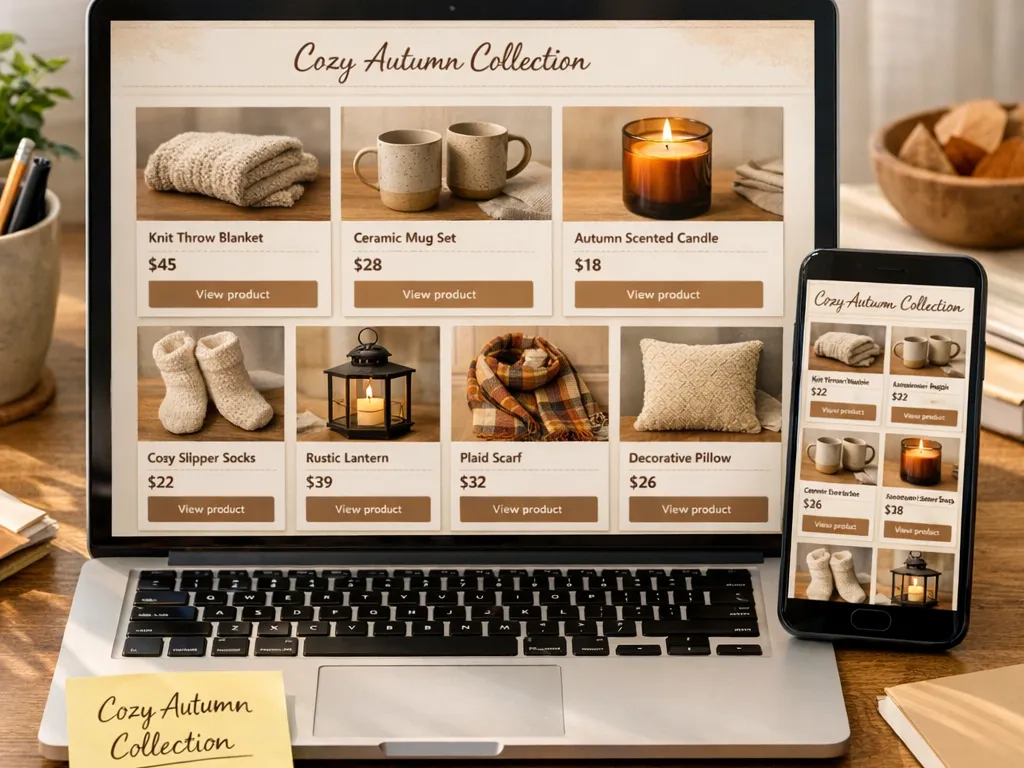
Example: a home decor brand curates a "Cozy Autumn" set—throws, candles, stoneware. They share the catalog link with stockists as a line sheet and post it on Stories for shoppers. Stockists get essentials fast, consumers tap into product pages, and the brand updates pricing later without remaking a PDF.
Three Ways to Build a Catalog: PDF, Flipbook From PDF, or From Products
When teams plan a shopify product catalog, choices typically land in three buckets: manual PDF for total layout control, flipbook from a finished PDF for fast reading, or a living catalog generated from store products. Picking the right path prevents late-night edits and price headaches.
Option 1: design a PDF manually in InDesign, Canva, or Figma. You get precise art direction. But every price or image tweak means re-opening, re-exporting, and re-uploading. It suits tightly controlled seasonal work—just expect a slow, brittle workflow.
Option 2: convert a finished PDF into a flipbook. You keep the designed pages and add page turns and zoom. Quick, if the PDF is final. But the data is still locked; any product change requires a new PDF. Think of it as a prettier wrapper for a static file.
Option 3: generate a catalog from Shopify products with a catalog maker. It pulls images, titles, prices, and links for quick assembly, then routes readers to the product page for full details and cart. Ideal for fast-moving teams and buyers who need links. For product management basics, see Shopify Help Center.
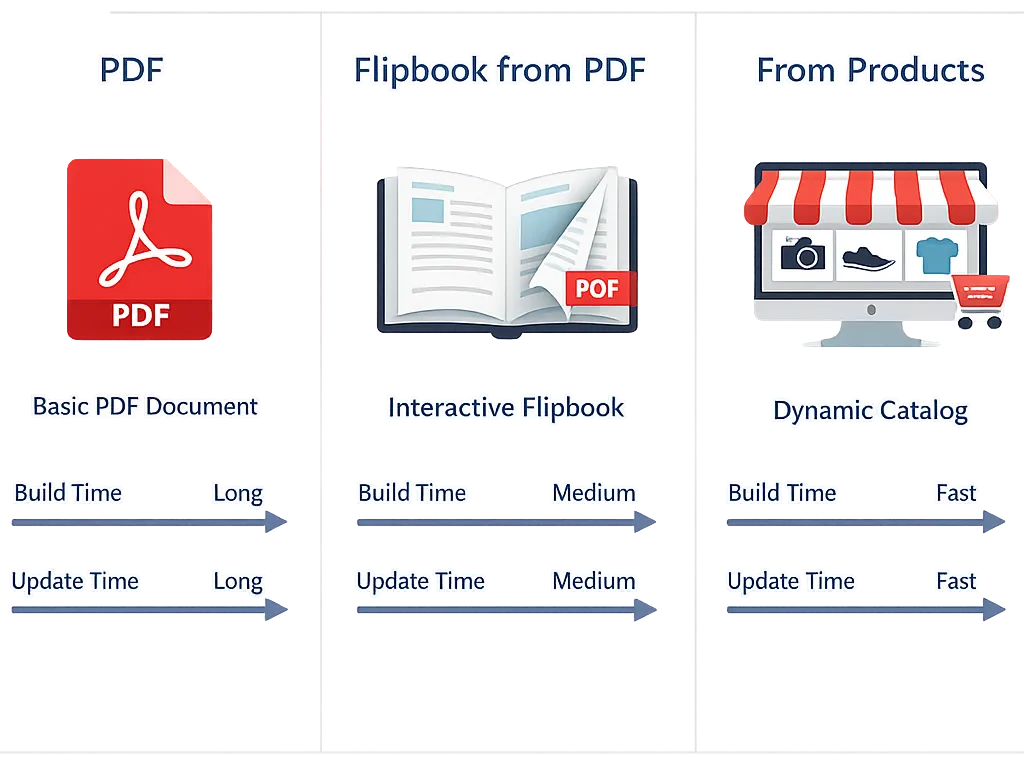
- Time to build: PDF — High; Flipbook from PDF — Medium; From products — Low
- Update effort: PDF — Re-design and re-export; Flipbook from PDF — Replace PDF; From products — Refresh product snapshot, re-save
- Interactivity: PDF — None; Flipbook from PDF — Page turns and zoom; From products — Page turns plus product-page links
- Data linkage: PDF — None; Flipbook from PDF — None; From products — Links to Shopify product pages
- Ideal scenarios: PDF — strict art direction; Flipbook from PDF — quick digital read of a finished PDF; From products — frequent price changes and link-first browsing
Constraints to note for Neo Flipbook: up to 250 active products per catalog, product info is a snapshot that needs manual refresh to capture Shopify changes, and product-page links handle the purchase flow. No in-catalog checkout. For most merchants, that mix of speed, links, and control beats shuffling boxes in a PDF.
Step-by-Step: Create a Catalog From Shopify Products in Neo Flipbook
Start in Neo Flipbook and pick "From products." Choose individual active products or whole collections. Collections are faster for drops like "Fall Sweaters" and immediately pull titles, main images, descriptions, and prices. With the 250-product limit, split larger assortments by theme or audience. If you're unclear on collections, the Shopify Help Center explains it well. This is how a shopify product catalog stays clean without spreadsheet chaos.
Pick a layout: line sheet for dense, order-ready grids or lookbook for image-led pages. Set page size (A4 or US Letter), choose a theme, and match brand colors with hex codes. Show price and compare-at (or hide prices for wholesale). Each product card links back to its Shopify product page, so buyers can check variants and add to cart there.
Design a simple cover—logo, brand colors, seasonal title like "Holiday Edit." Reorder pages as needed and preview on desktop and mobile. Quick test: tap a product to confirm the product page opens. If product data changes later, refresh the catalog data in Neo Flipbook and save; it's not auto-synced.
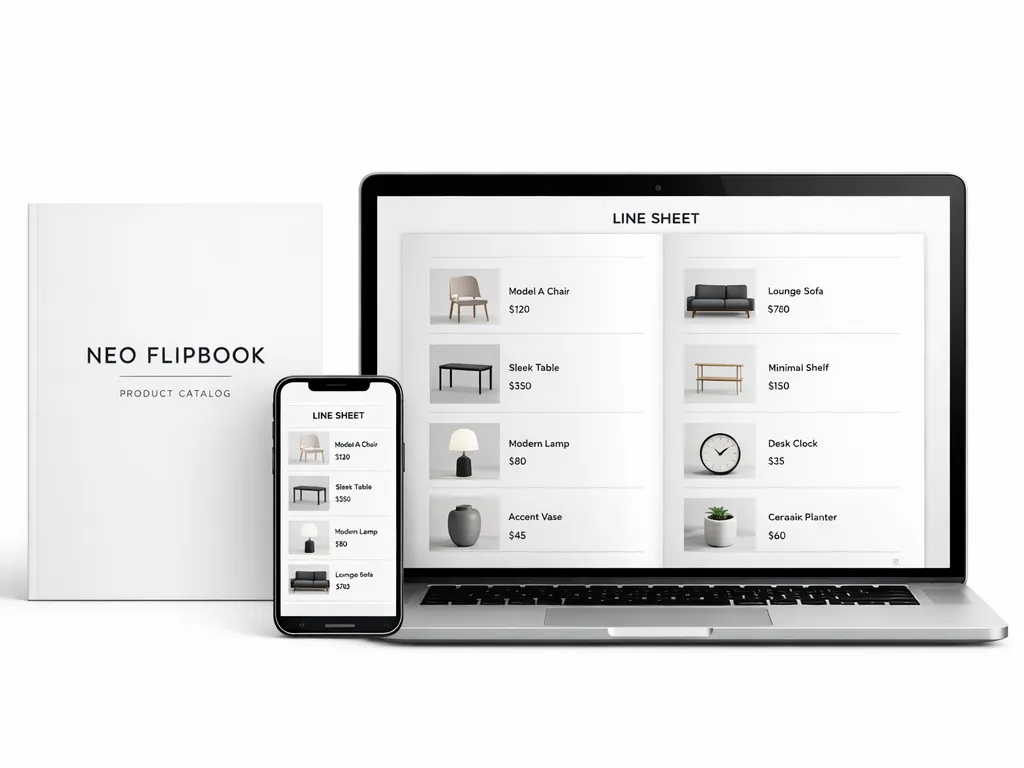
- Publish when ready, then copy the public share link.
- Add the Neo Flipbook block to any Shopify page for on-site viewing.
- Embed it elsewhere with the provided code for partners or press.
- Tip: If a price or image changes in Shopify, refresh and save the catalog to update.
If you juggle wholesale and retail, duplicate the catalog, adjust price visibility, and keep a tidy shopify product catalog set for each audience.
Make products discoverable in your shopify product catalog: images, titles, descriptions, prices, and links
Discovery starts with imagery. In a shopify product catalog, crisp, consistent photos make scanning effortless. Use matching ratios—1:1 or 4:5—so rows align and eyes don't work overtime. Keep backgrounds simple, crop tight for details, and skip text overlays that blur on phones. One strong hero image per product anchors the card; add a single inset on lookbook spreads. Target ~1600 px on the long edge for clarity without bloat.

Write titles that say exactly what it is. Brand, product type, one key spec—done. "Drift Candle, 8 oz, Cedar" beats a poetic mystery. Descriptions should help, fast: two felt benefits, one practical detail (material or care), and a line on variants like "also in Black, Olive." This mirrors list-scanning behavior and Baymard's guidance on clarity (baymard.com).
Price presentation removes hesitation. Show the current price, optional compare-at for real savings, and unit context where it matters ("per set of 2"). Because catalog data is a snapshot, refresh after store changes. Always link each card to the product page for variants, reviews, and checkout. That deep link is the handoff from browse to intent.
Order products like a shopper shops: bestsellers and new arrivals first, core styles next. Group pages by collection or theme (e.g., "Summer Linen") so buyers stay oriented. Mix mood-driven lookbook spreads with tighter line-sheet grids. Keep density sane—about six to twelve items per grid page.
- Image ratios: stick to 1:1 or 4:5 across the catalog.
- Price format: one currency style; consistent decimals; compare-at only when real.
- Variant notes: list colors, sizes, or finishes near the title.
- Badges: use "New," "Bestseller," or "Limited" sparingly so they mean something.
- Links: each product card should open the product page in the store.
Mobile-first viewing, easy sharing and embeds for your shopify product catalog, plus quick FAQs
Most shoppers first meet your catalog on a phone, so mobile polish is non‑negotiable. Use tap targets around 40–48 px, readable type (14–16 px body, 20–24 px headings), and fast-loading pages. Compress images, limit custom fonts, and test on a mid-range Android. Over half of mobile visits drop if a page takes longer than three seconds (Think with Google). Speed is part of the experience.
Embedding is simple. Add the Neo Flipbook block to a Shopify page (Theme Editor → Add section/block → Neo Flipbook), select the catalog, and save. Prefer a cleaner layout? Trigger it in a lightbox from a button or image so the catalog floats over the page. For outreach, share the public link via email, SMS, and social, or print it as a QR code on packaging and event signage.
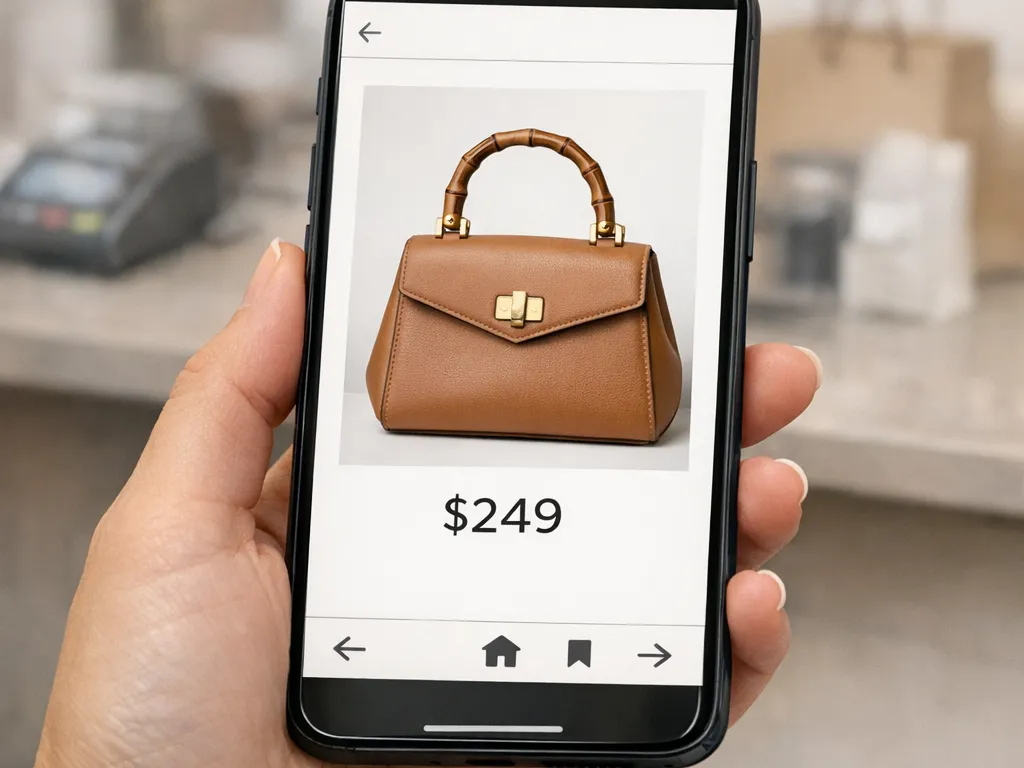
Because each card links to its product page, shoppers can check specs, colors, and sizing, then add to cart within your store. This is where a thoughtful shopify product catalog shines: crisp hero images, clean price labels, and short copy that answers what it is, who it's for, and why now. Keep the toolbar minimal—prev/next, zoom, share—so the focus stays on products.
Quick FAQs
- Can a catalog be created without a PDF? Yes. Generate it directly from Shopify products.
- What's the maximum number of products? Up to 250 active products per catalog.
- Is it mobile compatible? Yes. Viewable on phones and tablets in any modern browser.
- Do prices auto-sync? No. Product info is a snapshot; manually refresh and save after changes. See Neo Flipbook docs.
Conclusion: Publish a Shopify Product Catalog Without a PDF
A modern shopify product catalog should feel editorial yet stay effortless to update. Generating from store products delivers that: live links to product pages, consistent images and titles, and quick manual refreshes when details change. It's the practical way to keep pace with inventory and price updates without losing polish.
There's still a place for PDFs. Legacy line sheets or designer-heavy lookbooks benefit from fixed layouts. In those cases, converting a finished PDF into a flipbook preserves the art while offering a smoother reading experience than a download. Think: keep the design, upgrade the delivery.
Rule of thumb: product-generated catalogs suit fast-moving assortments under 250 active products, frequent price tweaks, and buyers who need quick clicks to product pages. PDF conversions fit brand campaigns and seasonal lookbooks with fixed layouts. If you already manage assortments with Shopify collections, this approach plugs right in (Shopify collections guide).
Ready to try it? Neo Flipbook creates catalogs from selected products or collections, supports up to 250 active products, and links every item back to its product page. When prices change, refresh and save to update the snapshot. Start here: https://neoflipbook.com/ and publish a clean, clickable digital catalog today.

Written by
Amir Hakim
Amir writes the Neo Flipbook guides on product catalogs, lookbooks and selling on Shopify.
