Digital Product Catalog vs PDF: What Works Best for Shopify?
Comparing downloadable PDFs, interactive flipbooks, and product-generated digital catalogs for Shopify. Learn which format fits your browsing experience, updates, sharing, and offline needs—and how Neo Flipbook helps you use both.

9 min read
On this page
- Start with the real world: a quick definition and a familiar problem
- What counts as a PDF catalog, and how a flipbook uses the same PDF
- Three catalog options for Shopify merchants
- Head-to-head comparison: browsing, mobile, navigation, links, sharing, upkeep, design, and offline use
- When each option wins: PDF, browser-based flipbook, or Shopify-generated catalog
- How Neo Flipbook supports both paths and helps Shopify teams decide
Start with the real world: a quick definition and a familiar problem
Picture a Shopify merchant who just sent a crisp seasonal PDF catalog to wholesale buyers. Layout's tight. Prices set. A week later, two new SKUs launch and a supplier nudges costs. Suddenly the inbox fills with "Can you send the new file?" The team now chooses between resending a PDF, linking to a "v2," or switching to an online catalog that won't age out as fast. None is perfect when buyers bookmark old links or screenshot outdated prices.
Quick definition: a digital product catalog is any catalog shoppers open on a phone, tablet, or computer. That includes a downloadable PDF and a browser-based interactive catalog. The core difference is static file versus interactive experience. So "digital catalog vs PDF" really means fixed document versus an online catalog you can browse, search, and link to live product pages.
For Shopify teams, this is practical, not theoretical. PDFs are easy to email and print. Interactive catalogs browse better on mobile and point to PDPs. If prices change, a PDF must be edited and redistributed. With an online catalog, you update data and republish once. Neither path is magic; both need a repeatable workflow (the Shopify Help Center covers pricing basics).
This guide compares a classic PDF with an interactive catalog for Shopify, including a catalog that pulls from store products. We'll set expectations, show where each format wins, and offer a simple decision path that respects tight calendars. By the end, you'll know when to keep the PDF, when a digital catalog makes browsing easier, and how to blend both without version-control chaos.
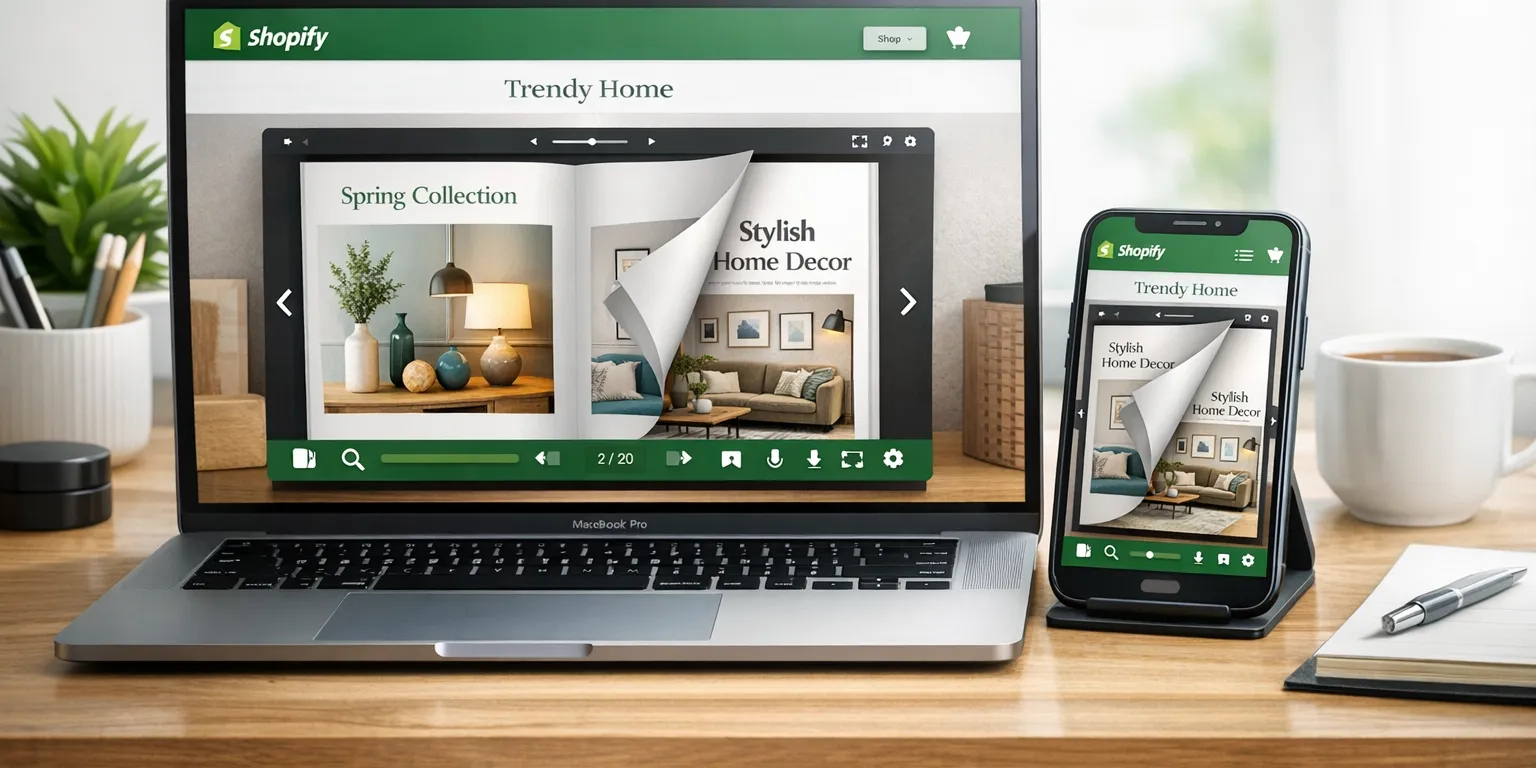
Suggested featured-image alt text: "Shopify merchant comparing a PDF catalog with an interactive digital catalog on a laptop and phone."
What counts as a PDF catalog, and how a flipbook uses the same PDF
A PDF product catalog is a designed, shareable, printable file. Teams export from InDesign, Canva, or similar, then host it, email it, or hand it to reps. It's still a digital catalog—just a fixed one. The appeal: what you design is exactly what everyone sees, on any device. That predictability keeps wholesale teams loyal for seasonal lines, price sheets, and specs. If you're curious why PDFs preserve layout so well, see Adobe's overview: https://docs.neoflipbook.com/create-flipbooks/from-a-pdf/.
The same PDF can power an embedded flipbook. You upload it, it's processed into web pages, and buyers read it in the browser with page thumbnails, zoom, full-text search, and smooth page turns. You can add clickable hotspots that deep-link to product pages or contact forms. The content stays the same; when prices or products change, you replace the source PDF and republish.
This matters for workflow. A sales rep can keep the PDF offline on a laptop or tablet. A buyer who prefers not to download anything can open the embedded flipbook on desktop or phone, search SKUs, and tap through to PDPs when links exist. Two viewing styles, one master file.
Neo Flipbook keeps it simple: upload the PDF, publish, and when there's a new version, swap the file to update the flipbook—no redesign. There's no silent data sync; the PDF stays the source of truth until you choose to replace it.
Three catalog options for Shopify merchants
Most Shopify teams land on one of three paths. They look similar on paper but behave differently when a price moves mid-season or a new SKU drops on the morning of a buyer call.
1) Downloadable PDF. The classic: design in InDesign or Canva and share by email or download link. Great for trade-show line sheets, wholesale price lists, and pack sheets. Pros: controlled design, print-ready, offline. Cons: version control, manual re-sends, limited interactivity. Example: a fashion brand emails a 12-page line sheet before market; buyers can print and mark it up.
2) Embedded interactive PDF flipbook. Host the same PDF as a browser-viewable flipbook with page turns, zoom, search, and clickable links if added in design. Pros: better mobile reading than a raw PDF, one shareable URL, easy embed. Cons: content is still static; updates require a new upload. Example: a furniture lookbook on a landing page where shoppers zoom fabric swatches and tap "View product."
3) Product-generated digital catalog connected to Shopify. Pull products into a catalog layout and publish a live URL. Pros: less manual layout on updates, consistent structure, product-page links out of the box. Accuracy note: refresh is manual, not continuous; you trigger updates when ready. Example: a beauty store assembles a gift guide that links to exact PDPs, then refreshes after a bundle change.
Head-to-head comparison: browsing, mobile, navigation, links, sharing, upkeep, design, and offline use
A downloadable PDF feels linear and familiar. An embedded flipbook keeps that feel and layers on thumbnails and search. A product-generated catalog leans into structure so shoppers move by collections, tags, or filters instead of flipping pages.
On phones, PDFs can feel heavy and zoomy; attention drains fast (Nielsen Norman Group has flagged this for years: source). Flipbooks improve legibility with fit-to-screen. A Shopify-connected catalog is built responsively so product cards, images, and buttons adapt on small screens.
Navigation and linking split them further. PDFs lean on a table of contents and manual links. Flipbooks keep those links and add thumbnails. Generated catalogs include PDP links by default. For upkeep: PDFs need a new export; flipbooks need a re-upload; generated catalogs refresh from Shopify data when you choose. PDFs win for print and true offline use. Flipbooks and generated catalogs shine as one easy-to-share URL.
| Criteria | Downloadable PDF | Embedded Interactive PDF Flipbook | Product-Generated Digital Catalog (Shopify-connected) |
|---|---|---|---|
| Customer browsing experience | Familiar, linear pages with consistent type. | Same layout plus page turns, thumbnails, search. | Structured browsing via collections, tags, grids. |
| Mobile accessibility | Often large; zoom required on phones. | Fit-to-screen improves readability. | Responsive layouts built for small screens. |
| Product navigation | Table of contents and manual bookmarks. | Thumbnails and search speed up jumps. | Filters and collections feel like a store. |
| Product-page linking | Requires embedded links in the PDF. | Respects links already in pages. | PDP links included by default. |
| Sharing and distribution | Easy to attach, email, and store offline. | Share one browser-friendly link. | Share a URL that opens like a mini site. |
| Price and product-data maintenance | Re-export and possible redesign. | Re-upload the updated PDF. | Manual refresh pulls current Shopify data. |
| Design effort | Upfront layout in design software. | Reuses the finished layout online. | Templates use product data to cut layout time. |
| Print and offline usefulness | Excellent for printing and no-internet use. | Best online; limited offline value. | Web-first; not meant for print. |
When each option wins: PDF, browser-based flipbook, or Shopify-generated catalog
A traditional PDF shines when teams need print or predictable handouts—trade show packets, wholesale line sheets with fixed seasonal pricing, and offline kits for reps on the road. A PDF locks layout, which is the point. It prints cleanly, attaches to email, and works without Wi‑Fi. Yes, PDFs can be awkward on-screen, but for print and offline, they're steady. For context on web usability, see Nielsen Norman Group: PDFs are often awkward for on-screen reading.
A browser-based flipbook wins when presentation does the selling. Brand-forward lookbooks, seasonal drops, and pitch-ready assortments feel better as a page-turning experience that preserves the PDF aesthetic yet lives at one URL. You keep the art direction, support zoom, and dodge attachment limits. For launches where design control matters, a flipbook feels editorial without rebuilding layout.
A product-generated digital catalog connected to Shopify trims repeat layout work. It pulls products, uses templates, and refreshes by choice—not continuously—so changes are intentional and approved. Collections, filters, and PDP links move shoppers from browse to detail quickly, which helps with large assortments or frequent changes.
Quick decision framework by merchant type:
- Fashion retailers: Use a flipbook for seasonal storytelling, add a downloadable PDF for buyers, and keep a generated catalog for always-current links.
- Furniture brands: Lean on a generated catalog for big assortments with filters. Keep PDFs for printable spec sheets.
- Beauty stores: Use a generated catalog for shade variants and fast PDP linking. Keep a flipbook for campaign looks.
- Wholesalers: Send a PDF for price lists that must be emailed or printed. Use a flipbook to present assortments remotely, and a generated catalog when buyers need PDP details or to place orders.
Many teams run a hybrid: a PDF for print and offline, plus a URL-based flipbook or generated catalog for easy browsing and quick linking.
How Neo Flipbook supports both paths and helps Shopify teams decide
Neo Flipbook backs the two real-world routes Shopify teams take. If you already have a polished PDF, upload it and publish an interactive flipbook in minutes, then share a single link or embed it on a page. If you prefer a living online product catalog that pulls from Shopify products, build a product-generated catalog that stays consistent with store data and brand style without redoing layouts every season.
On accuracy: product-generated catalogs include PDP links so shoppers can jump into the Shopify store. Data refresh is manual—you choose when images, prices, or availability update—so timing, approvals, and price-change coordination stay in your hands. For reference, see creating a flipbook from a PDF at Neo Flipbook docs and tips on keeping catalogs current at this guide.
Here's a quick decision aid: if design is ready and you need a shareable link fast, publish the PDF as a flipbook first. If frequent price or assortment changes are coming, plan a product-generated catalog to avoid repeating layout work. Many merchants run both. Sales picks the right link for a buyer, and operations updates the generated version on a schedule that matches how they manage Shopify products.
Either path supports deep links into Shopify PDPs, which keeps the shopping flow clean. If you want to sanity-check PDP best practices, Shopify's documentation is a solid anchor: Shopify Help Center. In short, Neo Flipbook meets you where you are and lets you grow into the catalog workflow that fits your pace.
Yes. A PDF is a digital catalog format. Merchants often export a print-ready layout to a PDF and share it by email, download link, or QR code. It travels well, looks consistent on any device, and is easy to archive for future reference.
The real choice is how customers experience that PDF. They can download and scroll it like a document, or they can view it inside a browser as an interactive flipbook with page turns, zoom, and search. Both are digital. The difference is static file versus an interactive viewing layer. For context on PDFs as a format, see Adobe's overview: https://www.adobe.com/acrobat/resources/what-is-a-pdf.html.
Yes. Upload the exact PDF and publish it as an interactive flipbook. This keeps your original layout, typography, and imagery while adding browser navigation, page thumbnails, and full-text search. Teams like this path because it respects the brand layout they already approved.
When something changes, they export a new PDF from their design file, then upload the new version to replace the old one. No need to rebuild the catalog from scratch. Existing links, embeds, and QR codes can point to the same hosted flipbook URL, so customers always land on the current edition.
No. With Neo Flipbook, product data refresh is manual. Teams choose when to pull updated products, prices, and availability from Shopify, then republish. That control helps merchandising and sales sync a catalog drop with a campaign or seasonal change.
This approach avoids half-updated pages that confuse buyers. Plan refresh windows, note which collections will change, and communicate the republish date to sales reps and key accounts. The payoff is a catalog that stays consistent across web, email, and printed handouts.
Yes. Standard PDFs can include clickable links. Flipbooks preserve those links in the browser, so a tap on a product name or icon can open the corresponding Shopify product page. That keeps the buying path short and familiar.
Product-generated catalogs in Neo Flipbook include product-page links by design, which simplifies setup for large assortments. A simple rule of thumb for most Shopify stores: use a PDF for print and offline, a flipbook for polished browsing, and a product-generated catalog for easier updates. Neo Flipbook supports both paths so teams can pick what fits each moment.

Written by
Amir Hakim
Amir writes the Neo Flipbook guides on product catalogs, lookbooks and selling on Shopify.